

Splunk fixes 139 flaws, including two that need no login on Splunk Enterprise
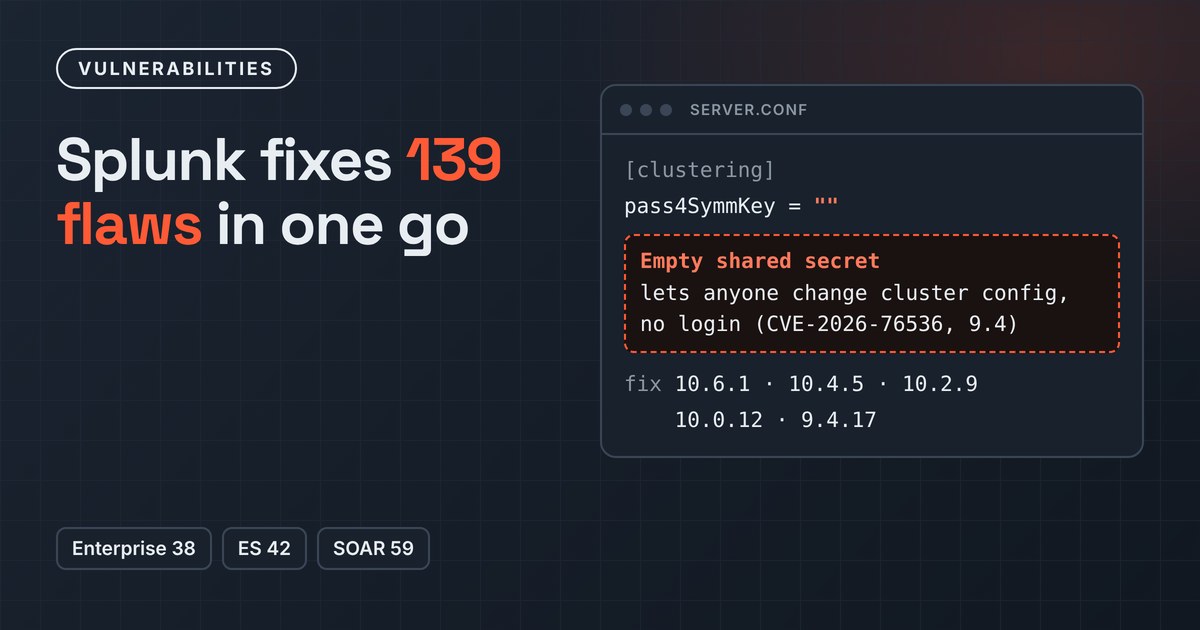
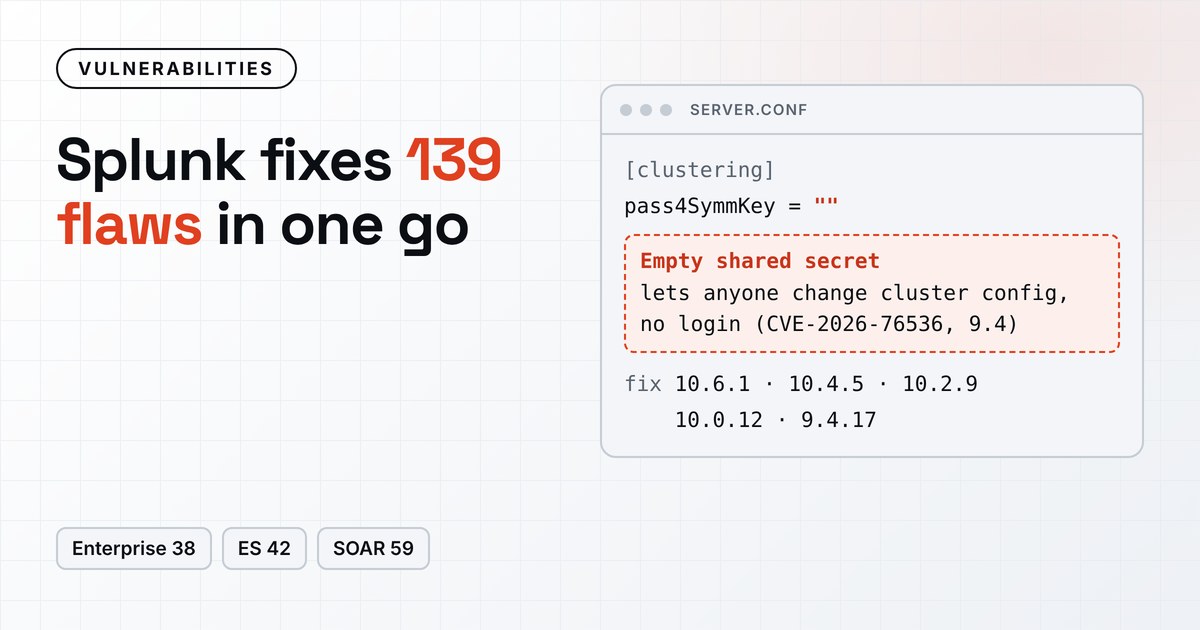
Splunk published its November security advisories on 18 November, with fixes for 139 vulnerabilities across three of its main products: 38 in Splunk Enterprise, 42 in Splunk Enterprise Security and the Splunk App for PCI Compliance, and 59 in Splunk SOAR. Separate advisories cover about 160 more flaws in third-party packages bundled with Enterprise, the Universal Forwarder, Enterprise Security and SOAR.
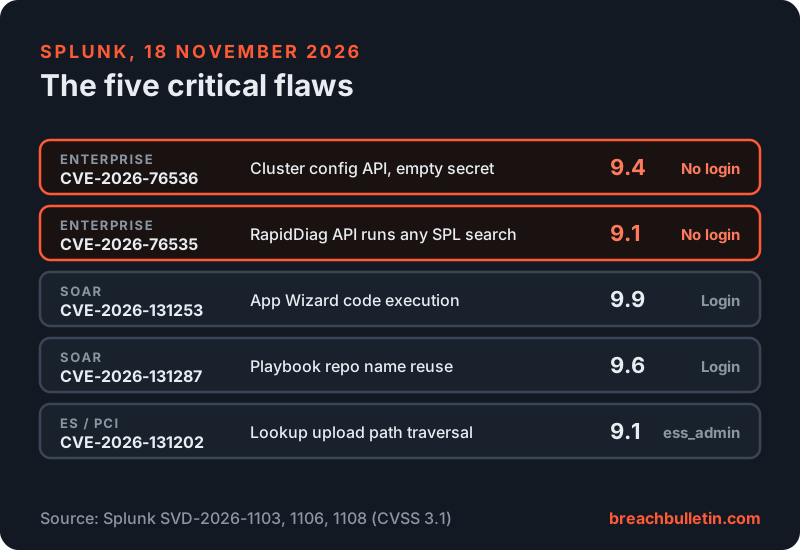
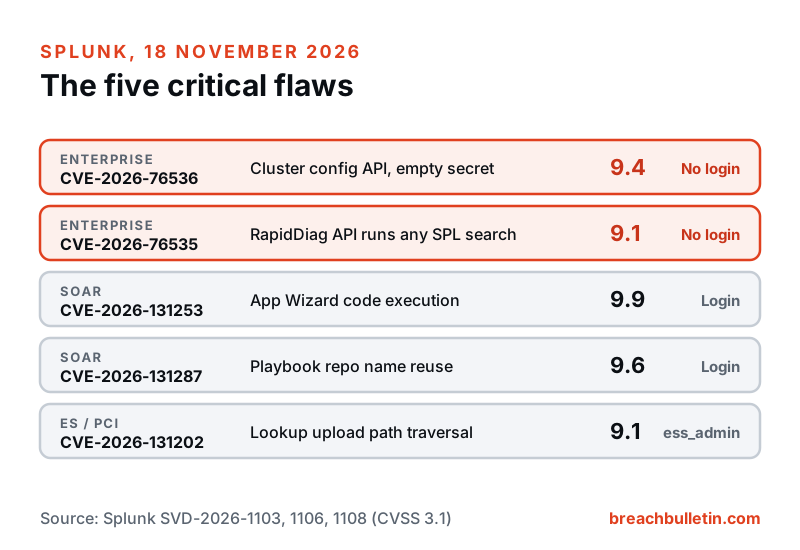
Five of the 139 are rated critical. Splunk hasn’t said any of them are being exploited. Two, in Splunk Enterprise, can be exploited by someone who never logs in, so that’s where to start.
Two Enterprise bugs built on an empty secret
Splunk components that talk to each other, such as cluster members, prove who
they are with a shared secret called pass4SymmKey. Both critical Enterprise
flaws come from Splunk accepting an empty value for that secret, according to
advisory SVD-2026-1103.
CVE-2026-76536 (9.4 out of 10) affects standalone instances that don’t use clustering at all. On those, Splunk accepts the empty clustering secret, so an unauthenticated attacker can read and change clustering settings through the cluster configuration REST API. Splunk says that can expose the configuration, plant settings the attacker controls and disrupt clustering. Splunk’s description of this one doesn’t include the 10.6 branch.
CVE-2026-76535 (9.1) is in RapidDiag, Splunk’s diagnostics tool. Because RapidDiag task collection also accepts an empty shared secret, an attacker with no account can run any Search Processing Language (SPL) search as an authenticated user, and read or change whatever data and configuration that user can reach.
If you can’t upgrade right away, Splunk’s workaround for both is to set a
non-empty pass4SymmKey in server.conf and restart. For the clustering
flaw, it asks for a strong, unique value of at least 12 characters in the
[clustering] stanza, even on standalone instances. For RapidDiag, use the
same value on every node that takes part in the service.
The fixed versions are 10.6.1, 10.4.5, 10.2.9, 10.0.12 and 9.4.17. Splunk lists 13 high-severity flaws in the same advisory.
Enterprise Security and SOAR
In
Enterprise Security,
CVE-2026-131202 (9.1) lets a user with the ess_admin role run code on the
search head. They upload a file through lookups and then point the
Configuration Checker at it, because Enterprise Security doesn’t restrict
lookup file types or keep Configuration Checker module paths inside the
intended directory. Klevis Luli of Flashpoint reported it. Many of the other
fixes are SPL injection and privilege escalation bugs open to lower-level
analyst roles. Version 8.7.0 of Enterprise Security and the PCI Compliance
app fixes them all. Splunk’s only workaround for the critical flaw is to turn
off or remove the app.
SOAR has the two highest scores. CVE-2026-131253 (9.9) lets a user with the Apps edit, Containers edit and Playbooks execute permissions run code through the App Wizard, which puts unchecked identifiers into the connector code it generates. CVE-2026-131287 (9.6) lets a user with full playbook permissions reuse the name of a deleted source control repository, so that existing playbook references run the attacker’s code. Both need a login, and Splunk lists no workarounds. Upgrade to SOAR 8.8.0.
Why a SIEM is a prize
A SIEM collects logs from across a network, and a SOAR platform holds the credentials it needs to act on other systems: firewalls, identity providers, ticketing tools and cloud accounts. An attacker inside either can read what defenders see, use those stored credentials, and change searches or alerts so their own activity goes unnoticed.
Splunk has two more advisories open this month. One covers NGINX flaws, including the HTTP/2 bug we covered in our Synology article. The other is about Java4Shell. Splunk says Enterprise, the Universal Forwarder and SOAR aren’t affected, but ten on-premises AppDynamics products and agents are, and fixes are still in the works. Our latest Java4Shell article explains why Java bundled inside products is the harder part to patch.
Patch order
- Upgrade Splunk Enterprise first, to 10.6.1, 10.4.5, 10.2.9, 10.0.12 or 9.4.17, starting with instances that other networks can reach.
- Until then, check
server.conffor an empty or missingpass4SymmKey. Set a strong value of at least 12 characters in the[clustering]stanza, including on standalone servers, and restart. - Make sure the management port (8089 by default) isn’t reachable from the internet or from networks that don’t need it.
- Update Enterprise Security and the PCI Compliance app to 8.7.0, and SOAR
to 8.8.0. Review who holds
ess_adminand the SOAR playbook and app editing permissions in the meantime. - Apply the third-party package updates for Enterprise, the Universal Forwarder, Enterprise Security and SOAR. They’re listed on Splunk’s advisory page.