

Synology patches a 9.8 OAuth flaw and the nginx2root bug in its NAS software
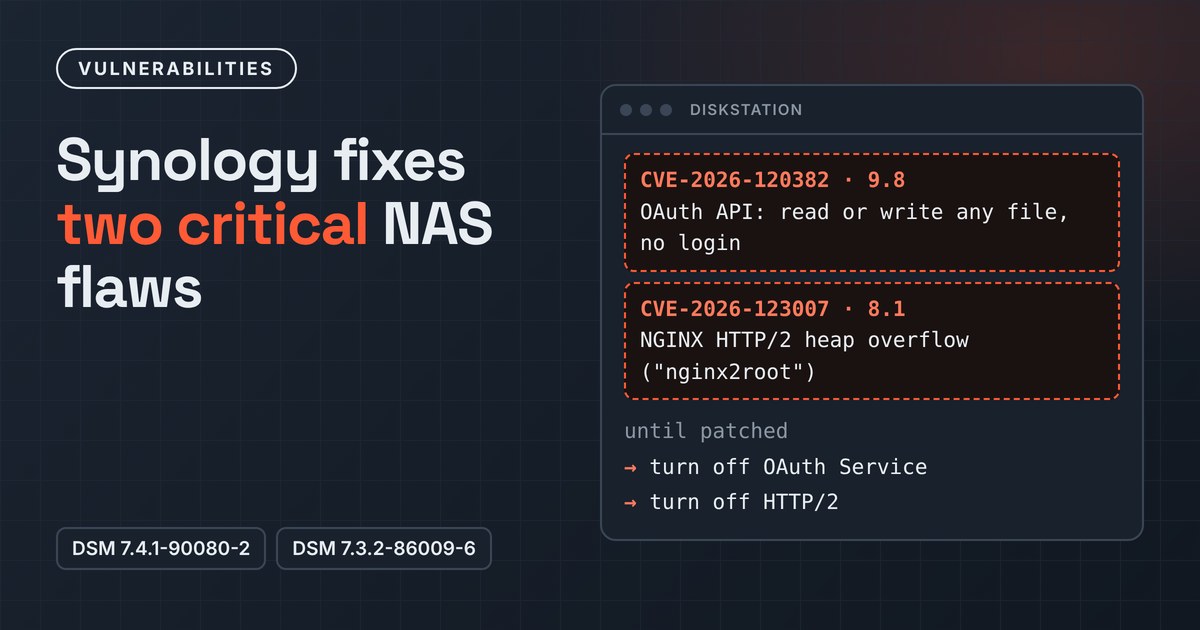
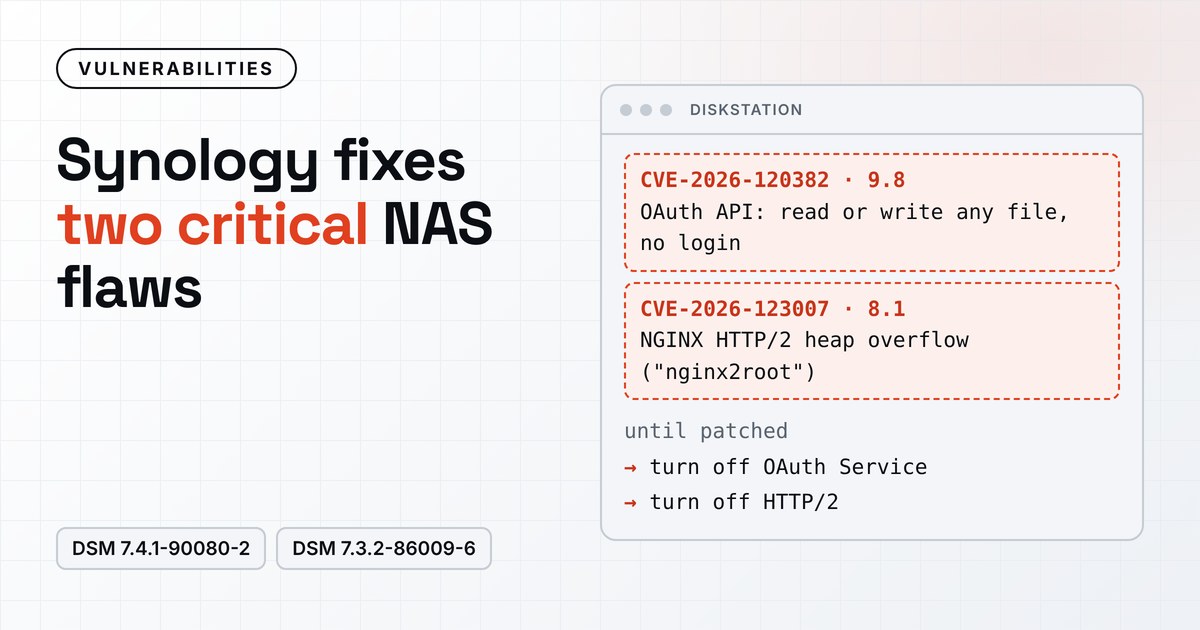
Synology has fixed two critical vulnerabilities in DiskStation Manager (DSM), the operating system on its network-attached storage (NAS) devices. Both can be attacked over the network without a login. The company published the advisories on 19 November, and the fixed builds for DSM 7.4 and 7.3 appeared in its release notes a day later.
Neither flaw is known to be exploited yet. Synology NAS devices are a regular target for ransomware gangs, though, and CISA added an older DSM flaw to its list of exploited vulnerabilities this week.
A file read and write bug in the OAuth API
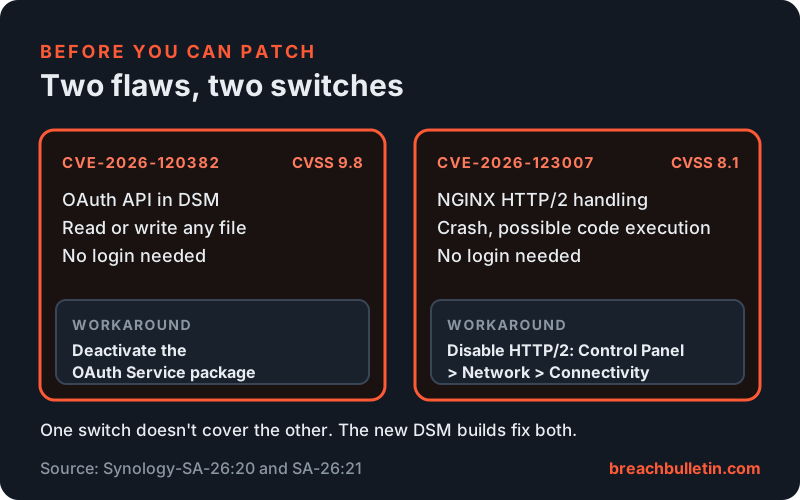
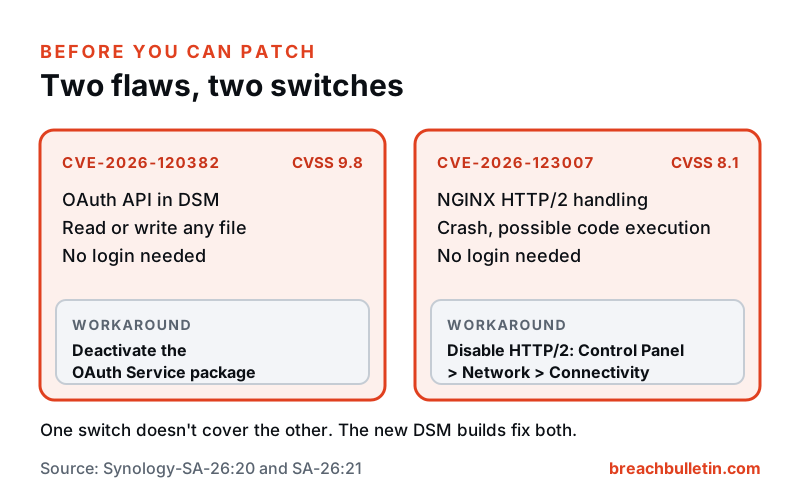
The more serious flaw, CVE-2026-120382, is in DSM’s OAuth API. According to Synology’s advisory SA-26:21, the API doesn’t properly handle argument delimiters in a command it builds, so a remote attacker can “read or write arbitrary files and conduct denial-of-service attacks”. Synology rates it 9.8 out of 10, with no login or user interaction required.
Being able to write any file on a NAS is usually enough to take it over, for example by replacing a script the system runs. Reading files gives an attacker configuration, credentials and whatever data the box stores.
Until you can update, Synology’s workaround is to deactivate the OAuth Service package.
nginx2root reaches Synology too
The second flaw, CVE-2026-123007, isn’t Synology’s own. It’s the NGINX HTTP/2 bug that F5 disclosed on 18 November, which researchers have nicknamed nginx2root. DSM uses NGINX as its built-in web server, so Synology covers it in advisory SA-26:20.
According to F5, certain HTTP/2 traffic can push NGINX’s flow control window past its limit and overflow a heap buffer, which usually crashes an NGINX worker. Attackers can also run code if address space layout randomisation (ASLR) is turned off or can be bypassed. F5 scores it 8.1 under CVSS 3.1 and 9.2 under CVSS 4.0. Synology uses the 8.1 score but still marks its advisory critical.
The bug was reported by researchers at Rapid7, Wiz, Xint and others. The Hacker News reports that Wiz says it bypassed ASLR, that proof-of-concept code is on GitHub, and that code runs with the NGINX worker’s permissions, so getting root needs a second bug. Rapid7’s version needed about 128 GB of HTTP/2 traffic. For standalone NGINX, the fixes are 1.31.9 and 1.30.7.
Synology’s workaround is to disable HTTP/2 under Control Panel > Network > Connectivity.
Which builds fix it
| Product | OAuth flaw (SA-26:21) | NGINX flaw (SA-26:20) |
|---|---|---|
| DSM 7.4 | 7.4.1-90080-2 | 7.4.1-90080-2 |
| DSM 7.3 | 7.3.2-86009-6 | 7.3.2-86009-6 |
| DSM 7.2.2 and 7.2.1 | No fix yet. Move to 7.3.2-86009-6 | No fix yet. Move to 7.3.2-86009-6 |
| DSM 7.1 | No fix yet | No fix yet |
| BeeStation OS 1.5 | No fix yet | No fix yet |
| DSM Enterprise 1.0 | Not affected | No fix yet |
| APM 1.2 and 2.0 | Not affected | No fix yet |
| SRM 1.2 and 1.3 | Not affected | Not affected |
When the advisories went up, Synology said the DSM 7.4 and 7.3 fixes were “scheduled for release by 2026-11-20”. Its DSM release notes now list 7.4.1-90080 Update 2 and 7.3.2-86009 Update 6, both dated 20 November, and the 7.4.1 notes name both advisories. The builds are rolling out in stages, and Synology warns that a NAS may not offer the update straight away. You can download it and install it by hand.
There’s one oddity. The CVE description for the OAuth flaw also lists fixed builds for DSM 6.2.4, 7.1.1, 7.2.1 and 7.2.2, but the advisory table still shows those branches as ongoing and doesn’t mention DSM 6.2 at all. Until Synology clears that up, check the release notes for your exact model rather than relying on the version number.
Why NAS owners should move quickly
NAS boxes often sit on the internet so people can reach files remotely, and many hold an organisation’s backups. That makes them attractive to ransomware groups, who can encrypt the backups along with everything else.
On 18 November, CISA added CVE-2024-10441, a code execution flaw in Synology’s system plugin daemon, to its Known Exploited Vulnerabilities catalogue. It gave US federal agencies only until 21 November to deal with it. That older flaw has nothing to do with the two new ones, but it shows attackers are actively going after Synology devices.
Steps for Synology owners
- Update DSM 7.4 to 7.4.1-90080-2 and DSM 7.3 to 7.3.2-86009-6. If Control Panel doesn’t offer the update, download it from Synology’s site.
- On DSM 7.2.1 or 7.2.2, upgrade to 7.3.2-86009-6 or later, as Synology recommends.
- Where no fix is available yet, including DSM 7.1, BeeStation, APM and DSM Enterprise, apply the workarounds: deactivate the OAuth Service package and disable HTTP/2. Each one covers only its own flaw, so do both.
- Take the management interface off the internet. Reach it through a VPN, such as Synology’s VPN Server or your own, rather than forwarding ports to DSM.
- After updating, check the build number under Control Panel > Info Center before you switch the OAuth Service or HTTP/2 back on.
- Keep an offline or immutable copy of anything important on the NAS, so a compromise of the box doesn’t take the backups with it.
For more on how KEV listings and the federal deadlines work, see our recent KEV round-up.