Attackers used a Microsoft Entra Connect Health flaw to read tenant details and admin emails
On this page
Microsoft is telling some customers that attackers exploited a flaw in Microsoft Entra Connect Health to read details about their tenants, including the email addresses of administrators and technical contacts. The flaw was in the service’s API, which Microsoft runs, so it was fixed on Microsoft’s side on 19 November and customers have nothing to patch.
Microsoft’s notice to affected organisations was shared by an administrator on Reddit and reported by BleepingComputer. “On 20 November 2026, we concluded our investigation and determined that unauthorized read-only access to tenant-level metadata associated with your organization had occurred,” it says, according to several reports. Microsoft told BleepingComputer it had “identified and addressed a security issue affecting Microsoft Entra Connect Health”.
What Connect Health is
Entra Connect Health is a cloud service that monitors the servers that link an organisation’s on-premises Active Directory to Microsoft Entra ID: the sync server and, where used, AD FS and domain controllers. Agents on those servers report to the service, which shows alerts, sync errors and performance in the Entra admin centre. It’s commonly used by organisations with hybrid identity.
The timeline
According to the notice as reported, Microsoft introduced the flaw into the Connect Health API on 23 July and detected it on 9 November. It deployed a fix on 19 November and finished reviewing its logs on 20 November, when it confirmed the unauthorised access and began notifying affected customers through Azure Service Health.
Microsoft hasn’t said when the unauthorised access began, how many organisations were affected, or who was behind it. There’s no CVE.
What was read, and what wasn’t
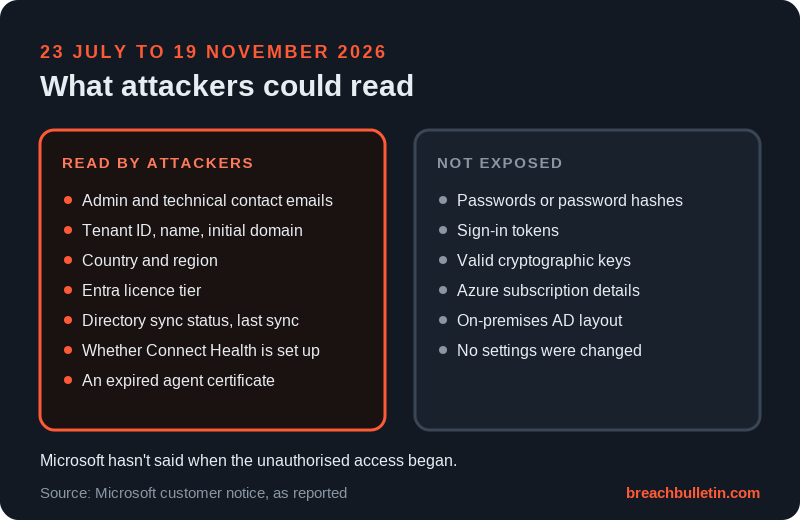
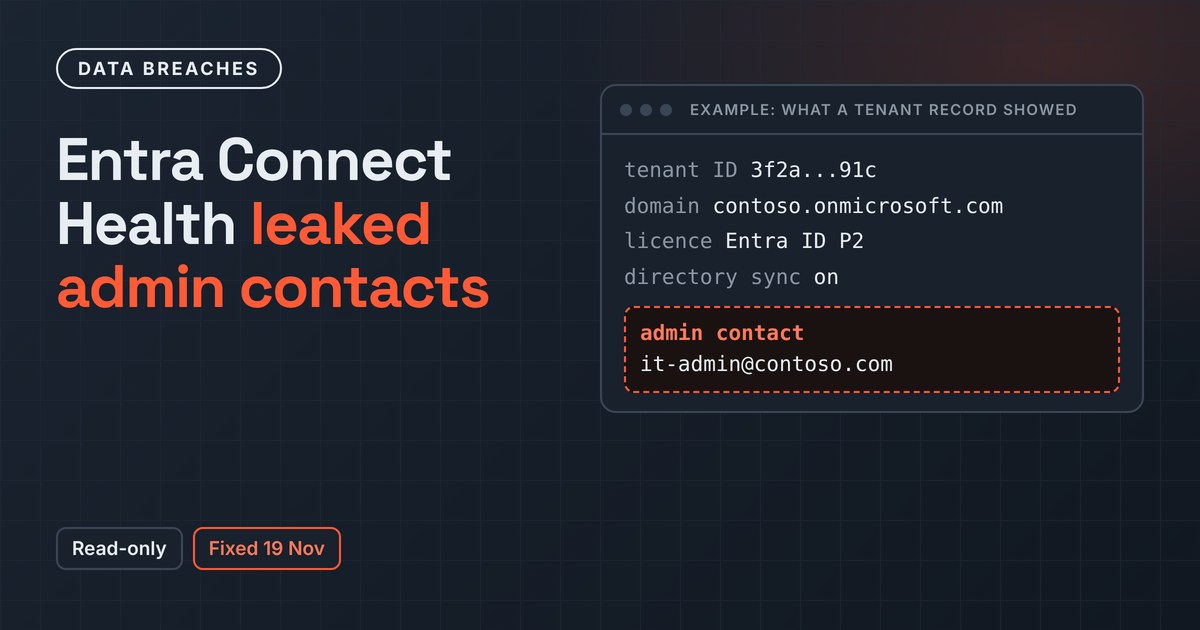
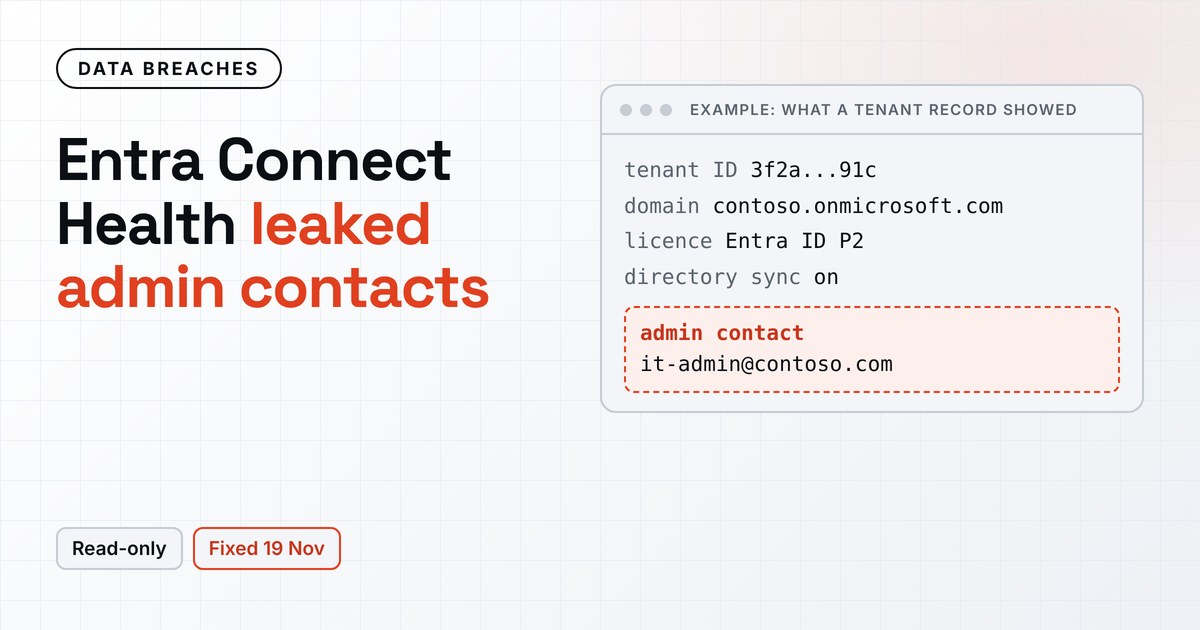
The API returned tenant-level records. For affected tenants these included
the email addresses of administrators and technical contacts, the tenant ID,
display name and initial onmicrosoft.com domain, country and region, the
Entra licence tier, whether directory sync was turned on and when it last
ran, and whether Connect Health had been set up.
The API also returned a certificate once used to register monitoring agents with an internal Microsoft service. Microsoft says that certificate had expired and the service was shut down in late 2024.
Microsoft says the access didn’t expose passwords, password hashes, sign-in tokens, valid cryptographic keys, Azure subscription details or the layout of on-premises Active Directory. The flaw could also have allowed changes to monitoring settings, but Microsoft found none. The access didn’t reach mailboxes or messages.
Why it still matters
Microsoft’s fix stops further reads, but it can’t take back what was already collected. For an attacker, a list matching organisations to the email addresses of their administrators, along with their licence level and whether they run hybrid sync, is a ready-made target list. It makes it easy to write a convincing message that looks like it comes from Microsoft or the IT team: a fake Connect Health sync alert, a licence renewal notice or a “security issue” in the admin centre.
Phishing that targets Microsoft 365 admins is already common, from device-code tricks to fake sign-in pages, and the accounts at risk here are the most powerful in each tenant.
What admins should do
- Check whether you were affected. In the Azure portal, opened directly rather than from an email link, go to Service Health and look for the security advisory about Connect Health.
- Warn administrators and IT staff to expect convincing phishing that appears to come from Microsoft. Check any “Microsoft” email about this incident against Service Health, and treat messages that ask you to sign in or act quickly with suspicion.
- Require phishing-resistant MFA, such as passkeys or FIDO2 keys, for every privileged role.
- Use Privileged Identity Management where you have it, so admin rights are granted only when needed.
- Make sure the technical contact on your tenant is a monitored, shared address rather than one person’s mailbox.
- Review Entra audit and sign-in logs, and Azure Activity Logs, for unexpected changes or unusual admin activity, and check your Connect Health settings.
Microsoft’s notice also points customers to a read-only PowerShell script, GetTenant, that shows the kinds of records the API could return. It shows current values only, so it can’t tell you exactly what was read before the fix.
For another recent case where stolen identities opened the door, see our article on the BYOD ransomware group.