Gemini can now phone businesses for you. Here's how to opt out if you run one
Google’s AI assistant can now make phone calls to businesses for you. Tasks, the agent mode in the Gemini app, uses Duplex, the voice system Google first showed off in 2018, to book tables, make hair appointments and sit through hold music. Google Research explained how it works on 20 November, three days after Google announced the update.
What Tasks can do now
Google has made Tasks free for “hundreds of millions of people” in the US, Japan, Korea, Canada, Australia and India. It used to need a paid AI Pro or AI Ultra plan. To use it, you switch the toggle on the Gemini home screen from Chat to Task. The free version runs on Google’s new Gemini 4 Hydrogen model.
The headline features start in the US only:
- Calling businesses: Gemini finds the business, phones it, handles hold music and adds the booking to your calendar. If the business suggests another time, it adapts. Calling isn’t available in Indiana, Louisiana, Minnesota, Montana or Nebraska.
- Paying: Gemini can check out with Google Pay, using the Agent Payments Protocol (AP2). Visa and Mastercard work now, with American Express “coming soon”. Cards are replaced with digital tokens, and you can set a hard spending limit.
- Bills: Through Google Password Manager, Gemini can sign in to a utility portal, and it can go through past bills in your email to work out why one was unusually high.
- Texts and email: You can text Gemini a task from a US number, or forward an email to gemini@google.com.
What a business hears
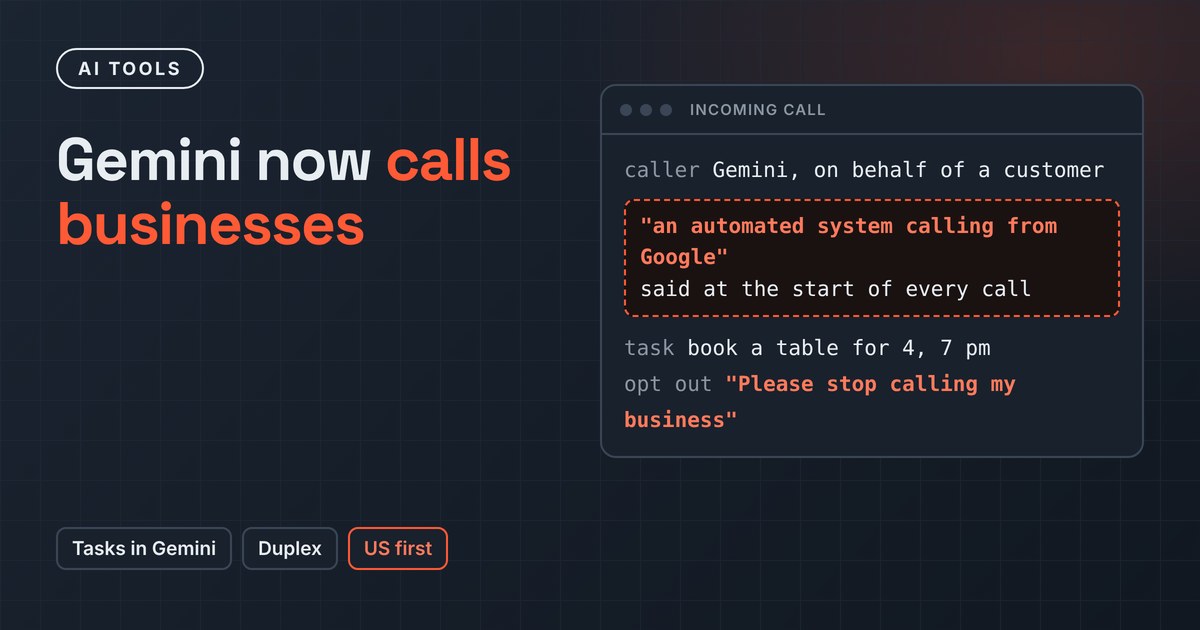
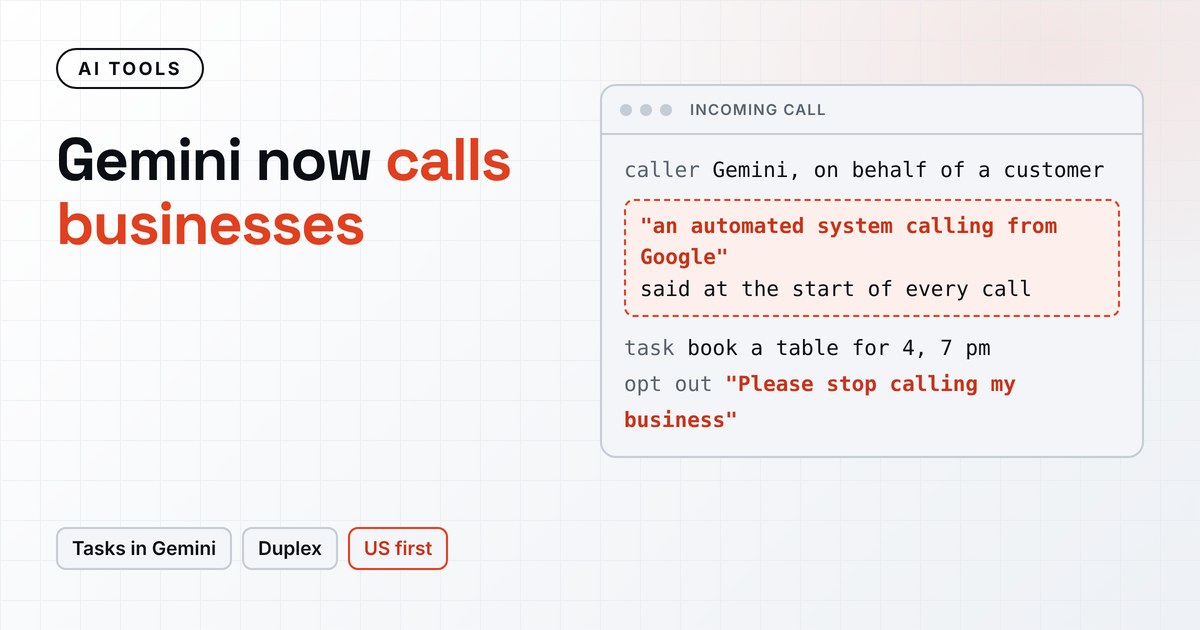
Every call starts by saying it’s “an automated system calling from Google”, according to Google Research. Businesses don’t need any new software or training to take the calls. Google says the system remembers details from one call to answer later questions, so staff aren’t asked the same thing twice. Google’s help page for businesses says calls made for customers are “monitored and recorded for quality assurance”.
Google says Gemini won’t share a user’s payment or private account details during a call unless the user approves it.
How businesses can opt out
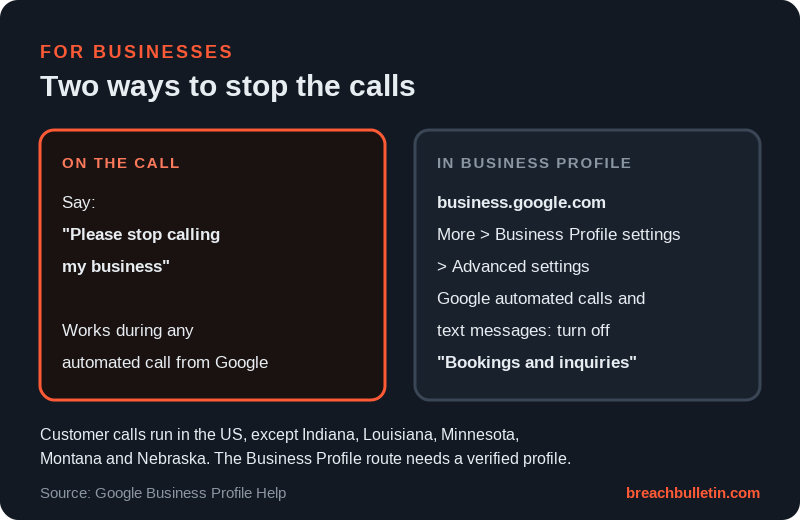
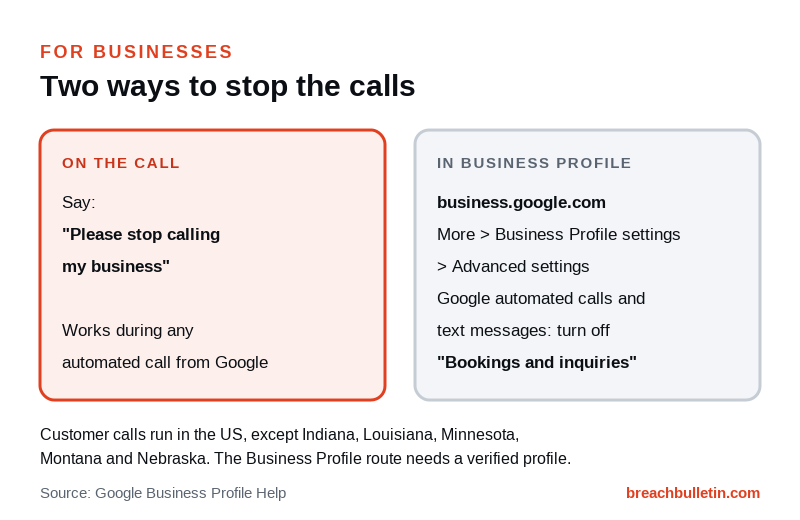
Google’s help page gives two ways to stop the calls:
- During a call, say something like “Please stop calling my business”.
- In a verified Google Business Profile, go to More > Business Profile settings > Advanced settings. Under “Google automated calls and text messages”, turn off “Bookings and inquiries from customers”. The other two switches there cover calls that check your listing details and posts Google makes for you.
Google also has a guide to spotting fake calls that claim to come from it. Real automated calls come from a set of designated numbers, and Google says it never makes unsolicited sales calls from an automated system.
The security side
An agent that can phone businesses, sign in to your accounts and spend money is a much bigger target than a chatbot. Google says each task runs in its own hardware-isolated virtual machine, that prompt injection filters and Safe Browsing limit which links Gemini can open, and that it asks for confirmation before clicking “Buy” unless you have set an action to “Always allow”. You can interrupt a task, disconnect apps and delete your history.
There are trade-offs to think about before you switch it on:
- Account access: Letting Gemini use saved passwords to reach your utility or other portals means a manipulated or mistaken agent can reach them too. Turn on only the connections you need.
- “Always allow”: It saves time, but it removes the confirmation step that stops a bad purchase. A spending cap is a sensible backstop.
- Impersonation: As people get used to calls that open with “calling from Google”, scammers may copy the line. Businesses should check the caller against Google’s list of numbers before sharing anything.
Google hasn’t said whether free Tasks has usage limits, or when calling and payments will reach the other five countries.
For more on attackers putting AI agents to work, see our article on Google’s report about automated exploitation.