The nginx2root HTTP/2 flaws reach Palo Alto firewalls and Panorama
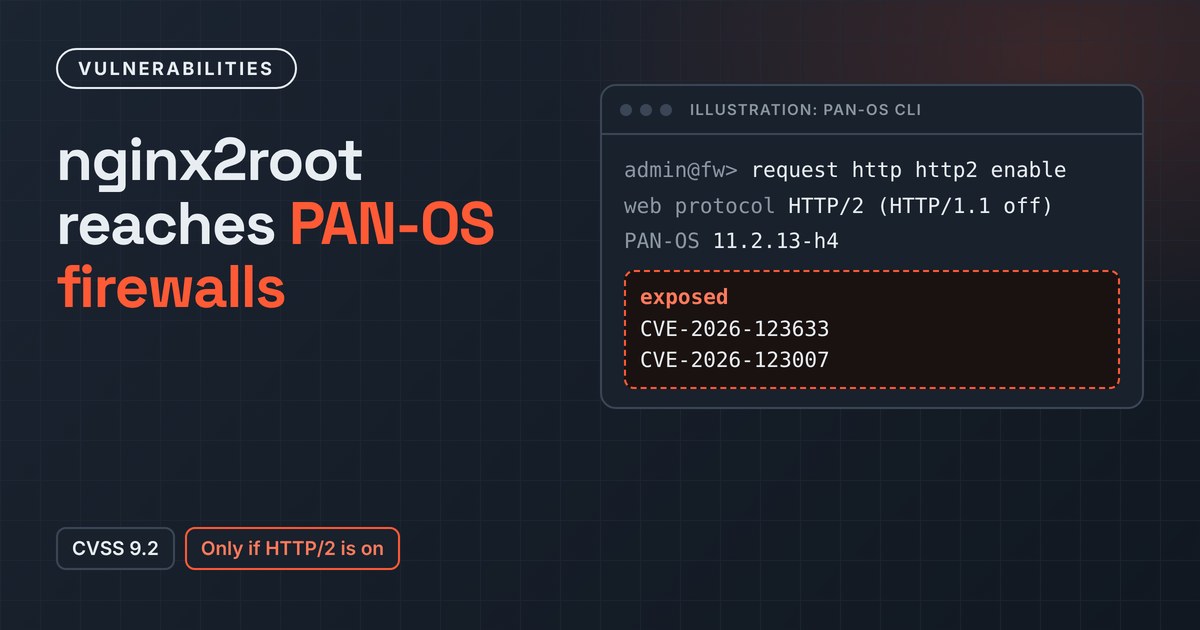
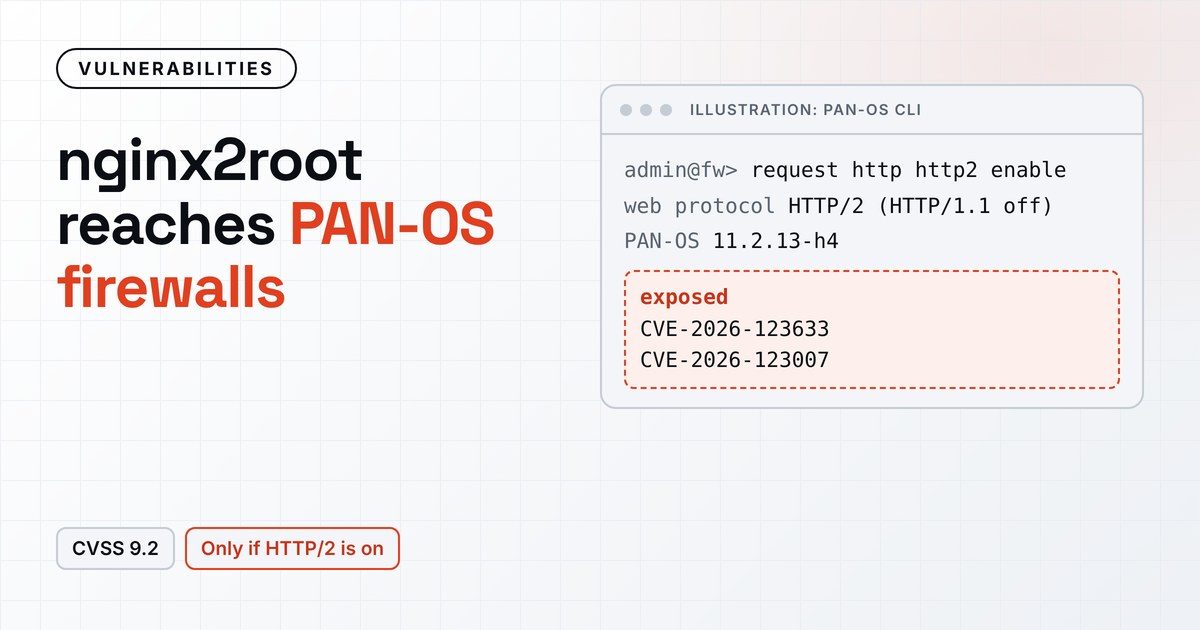
Palo Alto Networks says the two NGINX HTTP/2 flaws that F5 disclosed last week, known together as nginx2root, also affect its PAN-OS firewalls and Panorama management servers. There’s an important condition: only systems where an administrator has turned HTTP/2 on are exposed, and it’s off by default.
Palo Alto published its advisory on 21 November. It rates the issue 9.2 out of 10 under CVSS 4.0, but gives it a suggested urgency of “moderate” and rates the attack complexity as high. The company says it isn’t aware of any malicious exploitation.
The two flaws
Both bugs are in the HTTP/2 code of NGINX, the web server PAN-OS uses internally. Palo Alto describes them as:
- CVE-2026-123633, a use-after-free in NGINX’s HTTP/2 proxy handling. When a worker runs low on connection slots, NGINX can free the memory of a connection that is still passing requests to a backend.
- CVE-2026-123007, an integer underflow in HTTP/2 flow control that lets the flow-control window go past its limit and overflow a heap buffer.
In both cases a remote attacker with no login can crash an NGINX worker process or run code, according to the advisory. F5’s CVE records add that code execution needs address space layout randomisation (ASLR) to be turned off or bypassed. F5 scores each flaw 8.1 under CVSS 3.1 and 9.2 under CVSS 4.0.
We covered CVE-2026-123007 when it reached Synology’s NAS software. As we reported then, The Hacker News says Wiz bypassed ASLR and that proof-of-concept code is on GitHub. That work targets NGINX itself, and nothing published so far shows it working against PAN-OS.
Who is affected
The advisory lists these PAN-OS releases as affected:
- PAN-OS 12.2 before 12.2.4-h3
- PAN-OS 12.1 from 12.1.5, before the fixed hotfixes below
- PAN-OS 11.2 from 11.2.8, before the fixed hotfixes below
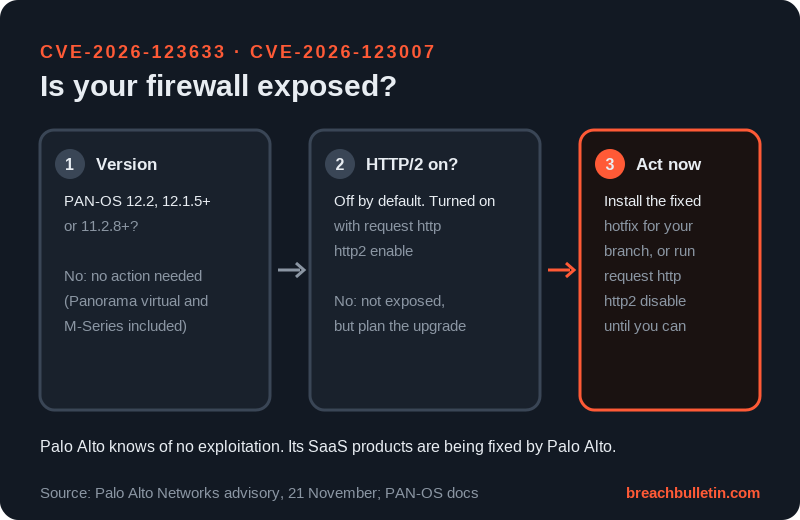
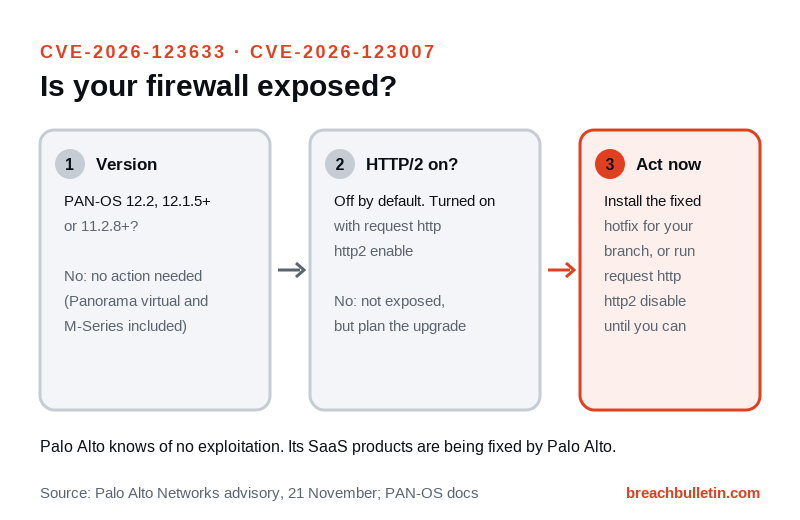
Panorama is affected too, both the virtual appliance and M-Series hardware. PAN-OS 12.1.2 to 12.1.4 and 11.2.0 to 11.2.7 need no action, according to the advisory’s fix table. For 11.2 that lines up with Palo Alto’s documentation, which says HTTP/2 support arrived in 11.2.8. The advisory’s longer machine readable list of affected builds does include those older versions, so if you run one of them, check with Palo Alto support.
Palo Alto’s cloud products are covered separately. The company says it is “directly managing the backend rollout of fixes for SaaS products”, so those customers don’t need to do anything.
Is HTTP/2 on?
According to the PAN-OS documentation, HTTP/2 is a setting for the firewall’s management plane. HTTP/1.1 is the default, and HTTP/2 can only be turned on from the command line:
request http http2 enableTurning it on switches HTTP/1.1 off, with no fallback. Palo Alto hasn’t said which of the web services on the management plane are reachable over HTTP/2, so treat any interface you can reach from outside as in scope until you know otherwise.
If you’re not sure whether anyone has run that command, check your change records or ask whoever manages the firewall. The workaround Palo Alto gives is to turn the option back off:
request http http2 disableFixed versions
| Branch | You’re running | Upgrade to |
|---|---|---|
| PAN-OS 12.2 | 12.2.0 to 12.2.4-h2 | 12.2.4-h3 or later |
| PAN-OS 12.1 | 12.1.8 to 12.1.10 hotfixes | 12.1.10-h6 or later |
| PAN-OS 12.1 | 12.1.5 to 12.1.7 hotfixes | 12.1.7-h15 (due 23 Nov) or 12.1.10-h6 |
| PAN-OS 12.1 | 12.1.2 to 12.1.4 hotfixes | No action needed |
| PAN-OS 11.2 | 11.2.15 to 11.2.16 hotfixes | 11.2.16-h3 or later |
| PAN-OS 11.2 | 11.2.11 to 11.2.13 hotfixes | 11.2.13-h6 (due 23 Nov) or 11.2.16-h3 |
| PAN-OS 11.2 | 11.2.8 to 11.2.10 hotfixes | 11.2.10-h19 (due 23 Nov) or 11.2.16-h3 |
| PAN-OS 11.2 | 11.2.0 to 11.2.7 hotfixes | No action needed |
Source: Palo Alto Networks advisory. Three of the builds, 12.1.7-h15, 11.2.10-h19 and 11.2.13-h6, had an estimated release date of 23 November when the advisory was published. Check that they’re on the support portal before you book a maintenance window.
Make sure you install a build from this table. GBHackers points out that hotfixes for other recent PAN-OS advisories don’t fix these flaws.
What to do
- Check your PAN-OS and Panorama versions against the table.
- Find out whether HTTP/2 has been turned on. If it hasn’t, you’re not exposed today, but plan the upgrade so nobody enables it later on a vulnerable build.
- If it is on, install the fixed hotfix for your branch. If you can’t do
that yet, run
request http http2 disableand confirm the management interface still works over HTTP/1.1. - Keep the management interface off the internet and limit it to trusted admin networks. That cuts the risk from this flaw and from the next one.
If you also run NGINX elsewhere, the fixed open source releases are 1.31.9 and 1.30.7, according to F5’s records.
Sources
- Palo Alto Networks advisory for CVE-2026-123633 and CVE-2026-123007, 21 November
- PAN-OS documentation: Manage HTTP/2 Network Support
- F5 CVE records for CVE-2026-123633 and CVE-2026-123007, and F5 advisories K000163928 and K000163926
- GBHackers