Public exploit turns a standard Windows user into SYSTEM through Remote Access
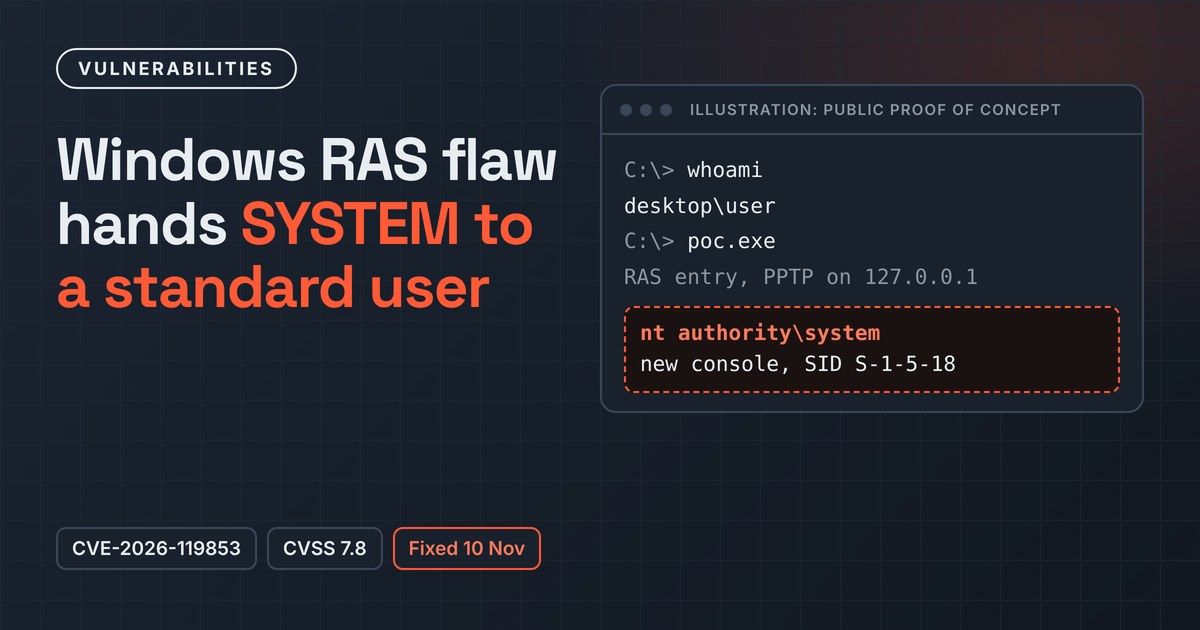
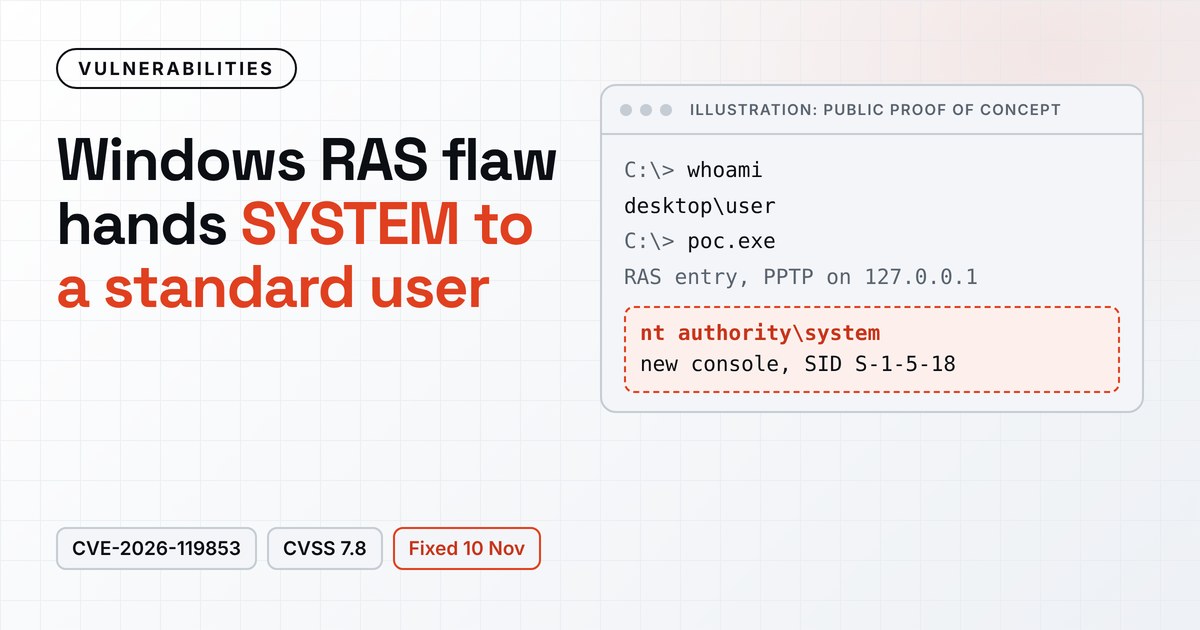
A Windows flaw that lets a standard user take full control of a machine now has a public, working exploit. Core Security published its write-up and proof of concept for CVE-2026-119853 on 23 November. Microsoft fixed the bug in its November updates on 10 November.
Microsoft describes it as an untrusted search path flaw in the Windows Remote Access API that “allows an authorized attacker to elevate privileges locally”. It rates the bug Important, with a CVSS score of 7.8, and says a successful attacker gets SYSTEM rights.
There’s a limit. An attacker can’t use this to break into a computer over the internet. They need to be running code on it already, for example after a phishing email or with a stolen login. From there, no admin rights and no help from another user are needed.
How the exploit works
Windows Remote Access Service (RAS) handles VPN and dial-up connections. Any user can create a connection entry in their own phonebook file, and an entry can name a “custom dial DLL” with code that runs when the connection is set up or hung up.
Core Security’s Ricardo Narvaja found that when the user asks Windows to
disconnect such an entry, a svchost.exe process running as SYSTEM reads the
entry and loads the user’s DLL. The DLL’s hang-up code then runs with full
SYSTEM rights.
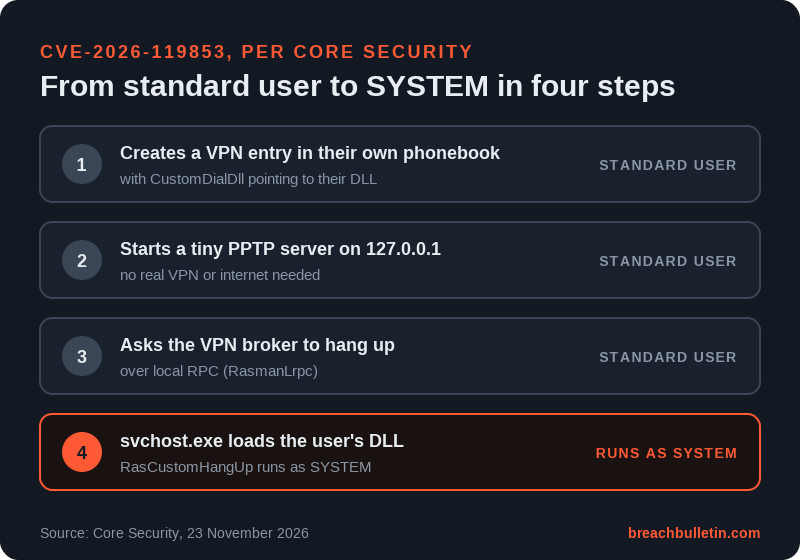
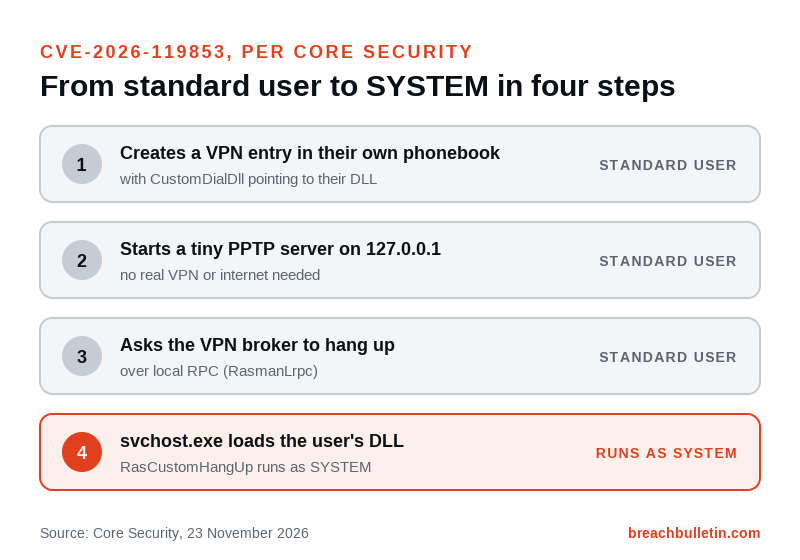
To get the connection far enough for Windows to accept a hang-up, the proof
of concept runs a tiny PPTP server on the machine itself, at 127.0.0.1 on
port 1723. It doesn’t need a real VPN or an internet connection. The program
then asks the Windows VPN broker to disconnect over local RPC, and a console
opens as nt authority\system.
Core Security tested it on Windows 11 Pro 25H2 (build 26200.9711) and says it saw the same mechanism on other supported versions. The exploit works out an internal RPC number at runtime because it changes between Windows builds. Core Security has published the source code and ready-built files.
Is it being exploited?
Microsoft’s advisory says the flaw was not publicly disclosed or exploited when it was released, and rates exploitation “More Likely”. It isn’t on CISA’s Known Exploited Vulnerabilities list.
That was before a working exploit was public. Bugs that turn a foothold into SYSTEM access are standard kit for ransomware gangs, because SYSTEM lets them switch off security tools and dump credentials. With source code out, expect this one to be added to attack toolkits.
Which update you need
Microsoft lists these November updates as fixing the flaw. Builds at or above these numbers are patched.
| Windows version | Update | Fixed build |
|---|---|---|
| Windows 11 24H2, 25H2 and 26H2 | KB5132061 (hotpatch KB5132043) | 26100/26200/26300.9974 (hotpatch .9911) |
| Windows 11 26H1 | KB5132059 | 28000.3501 |
| Windows 11 23H2 | KB5131087 | 22631.7711 |
| Windows 10 22H2 and 21H2 | KB5131096 | 19045.7846 / 19044.7846 |
| Windows 10 1809, Server 2019 | KB5131085 | 17763.9487 |
| Windows 10 1607, Server 2016 | KB5131291 | 14393.9688 |
| Windows Server 2025 | KB5131080 (hotpatch KB5131077) | 26100.33822 (hotpatch .33730) |
| Windows Server 2022 | KB5131090 | 20348.5870 |
Server Core installations take the same updates. Any later cumulative update also includes the fix.
What to do
- Confirm the November 2026 cumulative update, or a later one, is installed on every Windows machine, servers included.
- Don’t rely on changing VPN or RAS settings instead. Core Security says manual RAS configuration changes are no substitute for the patch.
- Hunt for
svchost.exeloading unsigned DLLs from folders ordinary users can write to, such as their profile orDownloads, and check what that service host started at the same time. - Look for users’ VPN phonebook files (
rasphone.pbk, kept in each user’s AppData folder) with aCustomDialDllentry, and for VPN connections to 127.0.0.1. Both are unusual in most offices. These two checks are our suggestions, based on how the published exploit works.
Sources
- Microsoft Security Update Guide: CVE-2026-119853, 10 November 2026
- Core Security: Elevating Privileges to SYSTEM Through the Windows Remote Access API, 23 November 2026
- Cyber Security News, 24 November 2026